GitHub accounts
Pull request review uses a personal access token (PAT) stored in your OS keychain or credential manager — not a shared OAuth app flow.
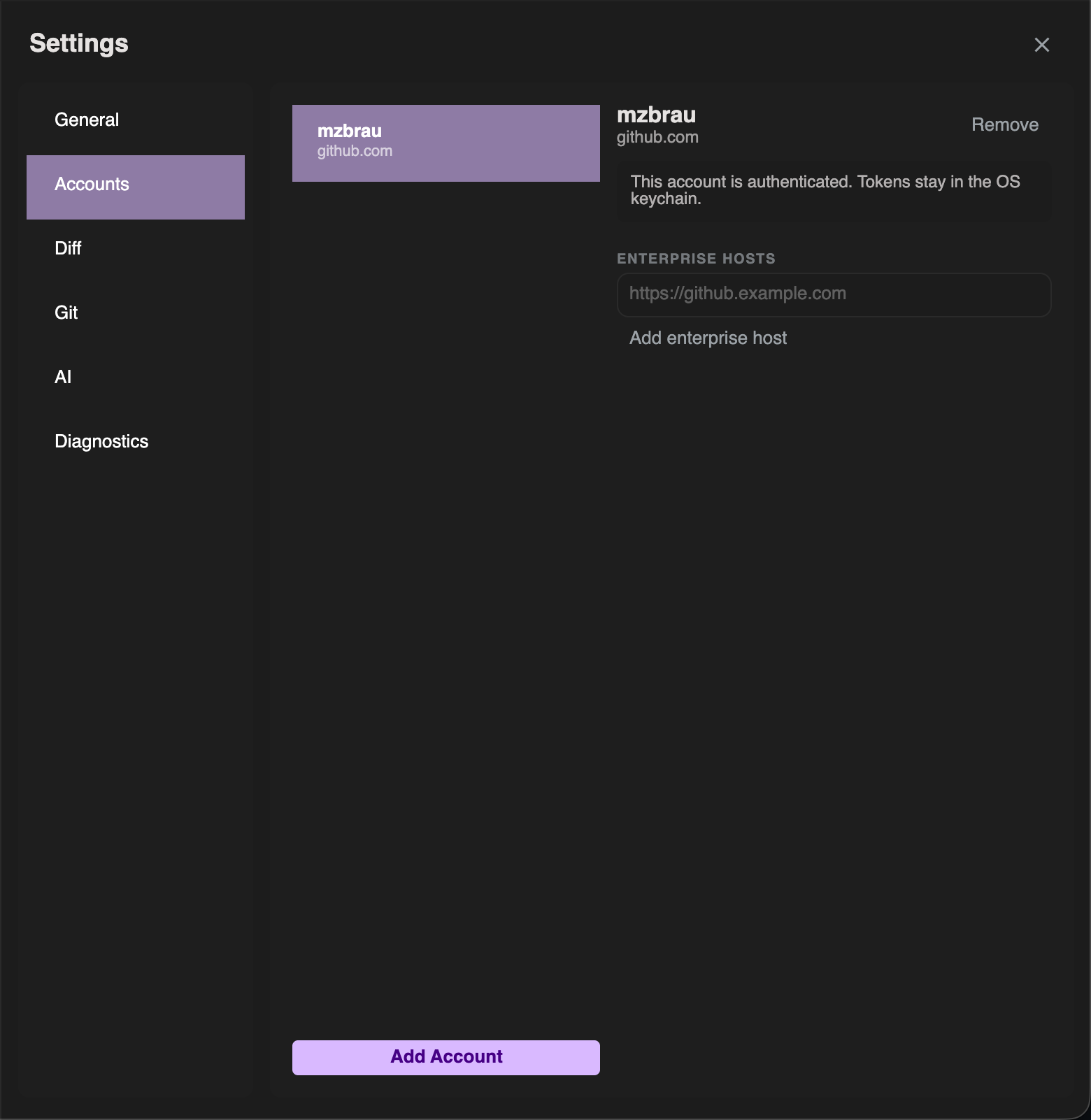
Add an account
- Open Settings (toolbar gear)
- Go to Accounts
- Add a GitHub account:
- Host (github.com or your Enterprise Server URL)
- Personal access token
- Save — the token is stored by the OS secret store
You can add more than one account (for example github.com plus a GHES host).
Token tips
| Topic | Guidance |
|---|---|
| Scopes | Enough to read PRs, post reviews/comments, and mark files viewed as needed by your org |
| Enterprise | Many orgs require classic PATs or admin-approved token types — follow your IT policy |
| Re-auth | If a banner says the account needs re-authentication, return here and update the token |
Development folder
For PR workflows, set Settings → General → Development folder to a root that contains your clones.
GIT DELTA discovers repositories under that folder so opening a pull request can switch to the matching local clone without hunting manually.