Stash
Stashes let you set aside work temporarily and come back to it later.
Stash dialog
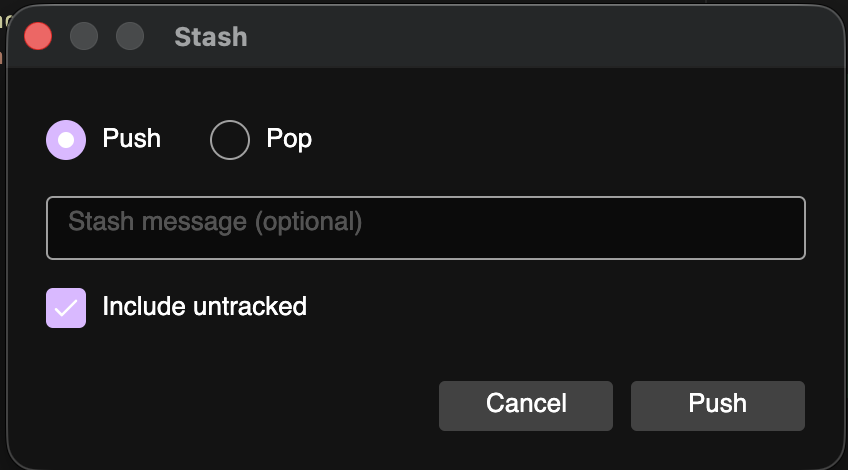
Open it from the toolbar Stash button.
| Action | Purpose |
|---|---|
| Push | Save current changes to a new stash (optional message) |
| Pop | Apply the latest stash and remove it from the stash list |
| Include untracked | When pushing, also stash untracked files |
tip
Including untracked files is easy to forget. Enable it when your new files should travel with the stash.
Sidebar stashes
Under STASHES:
- Select a stash to see its message, ref, related branch, and files
- Use the context menu:
- Apply — apply without necessarily dropping (per command semantics in the UI)
- Delete — drop the stash
Example: switch branches with dirty work
- Click Stash → Push with a short message
- Check out the other branch from Branches
- Do your work and commit
- Return to your branch and Pop or Apply the stash from the sidebar