Diff viewer
The diff viewer is the heart of GIT DELTA’s review experience.
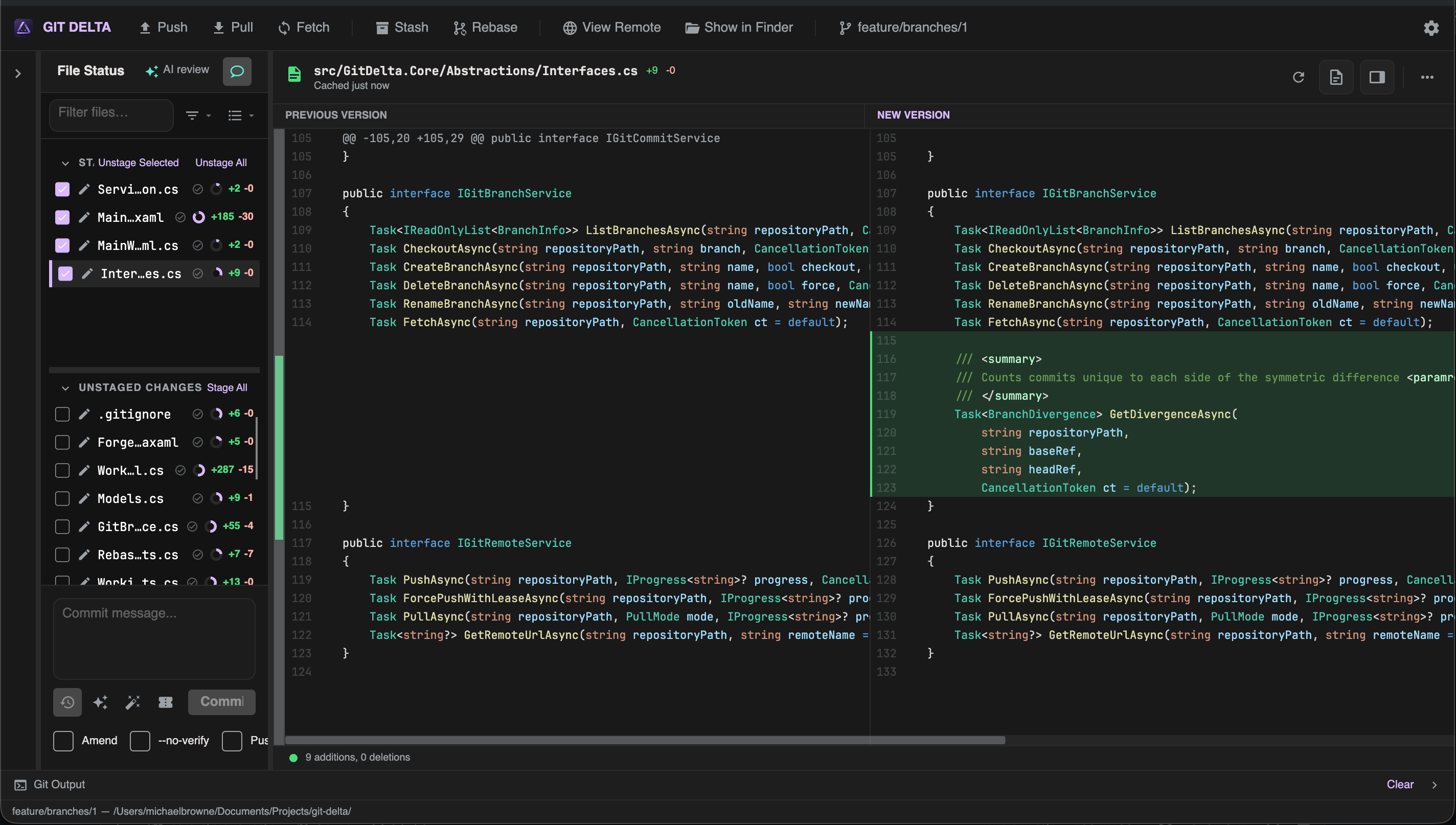
View modes
| Mode | When to use |
|---|---|
| Side by side | Compare old and new columns |
| Unified | Single column with + / - lines |
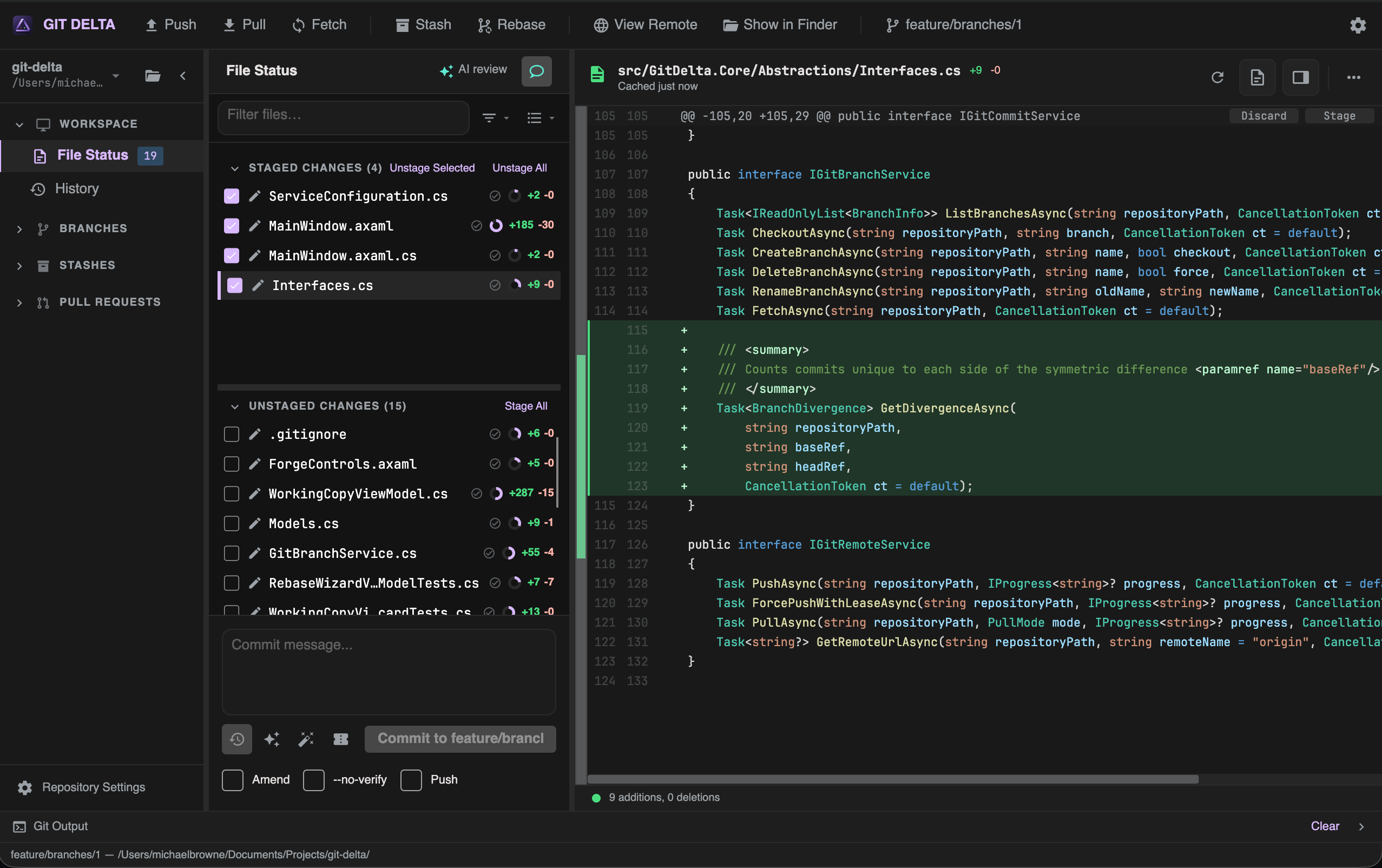
Switch from the diff toolbar. Defaults live in Settings → Diff.
Options
| Option | Effect |
|---|---|
| Ignore whitespace | Hide whitespace-only noise |
| Context lines | How many unchanged lines around hunks (when not showing the full file) |
| Full file / Diff only | Entire file vs changed regions |
| Combined review | Review staged + unstaged together (read-oriented) |
| Markdown preview | Rendered preview for Markdown files |
| Refresh | Reload the current diff |
| Minimap | Overview strip for long files |
Syntax highlighting is applied for common languages.
Staging from the diff
On the working copy, hunks expose actions:
| Action | Effect |
|---|---|
| Stage / Unstage hunk | Move that hunk between index and worktree |
| Discard hunk | Throw away that hunk (use Undo toast when available) |
| Stage / Unstage / Discard selected lines | Partial staging for a selection |
Example: stage one hunk
- Select an unstaged file
- Find the hunk you want
- Click Stage on that hunk
- Confirm the file (or remaining hunks) still appear under the right list
Empty state
When nothing is selected, the viewer shows an empty/placeholder state. Select a file from the list to load a diff.
History and PR diffs
The same viewer is used for:
- Commit diffs in History
- Pull request files in Pull request review
Staging actions appear only where Git staging applies (working copy).