GIT DELTA

Review code. Not just diffs.

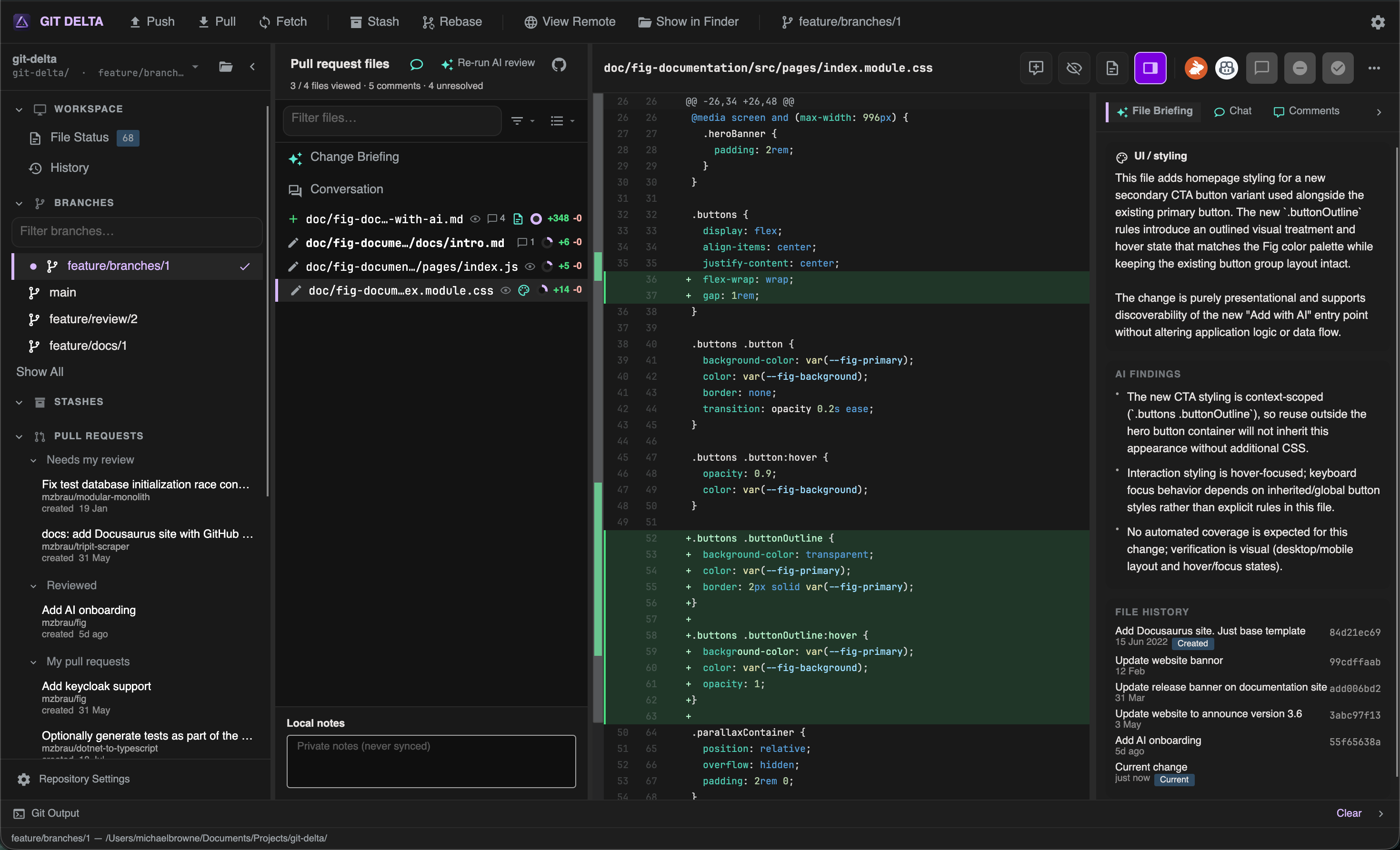
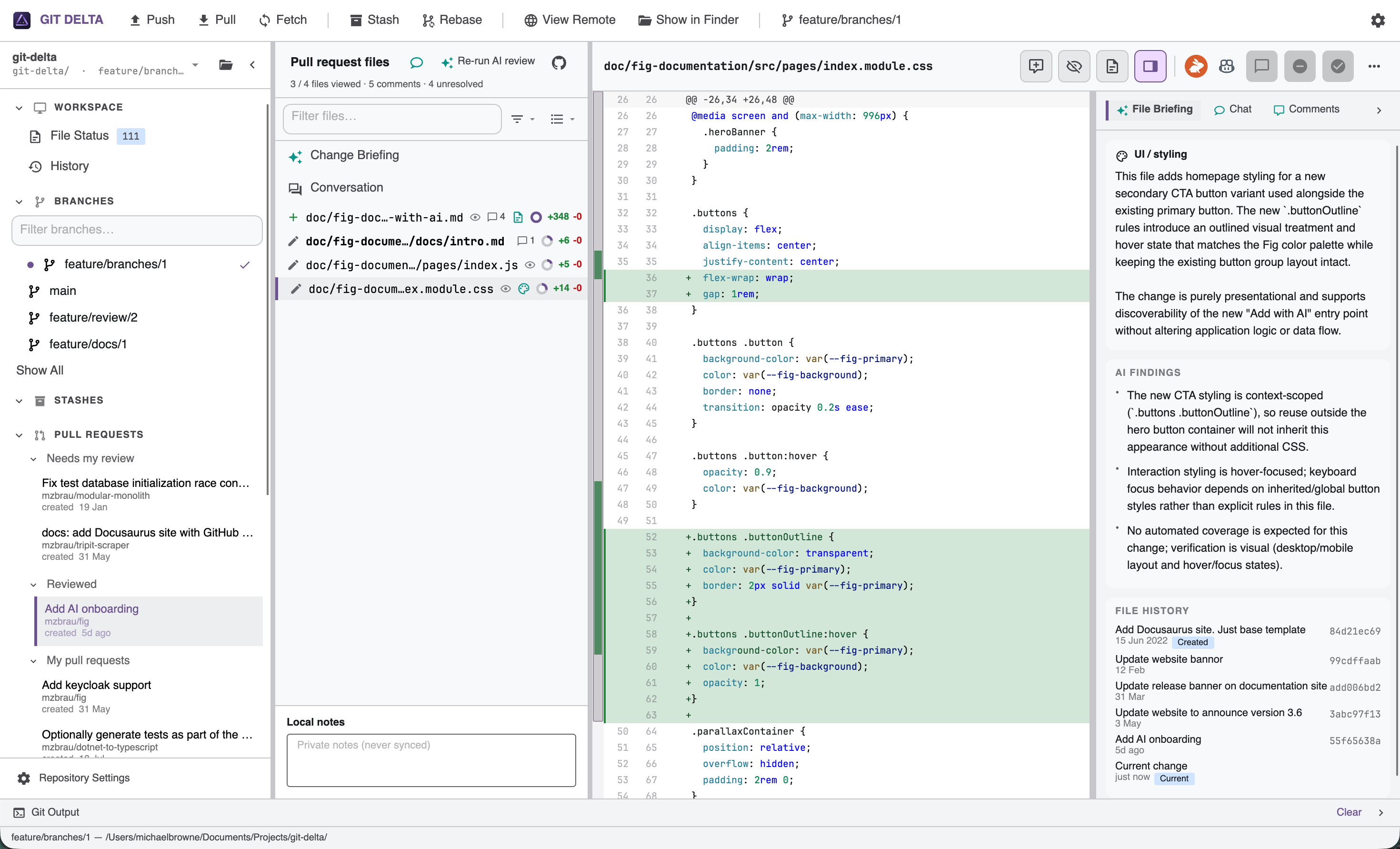
A fast, cross-platform Git client focused on code review.

An AI-powered Git client that makes diffs, pull requests, and local reviews easier to understand — without leaving your machine.

Beautiful Diff Experience

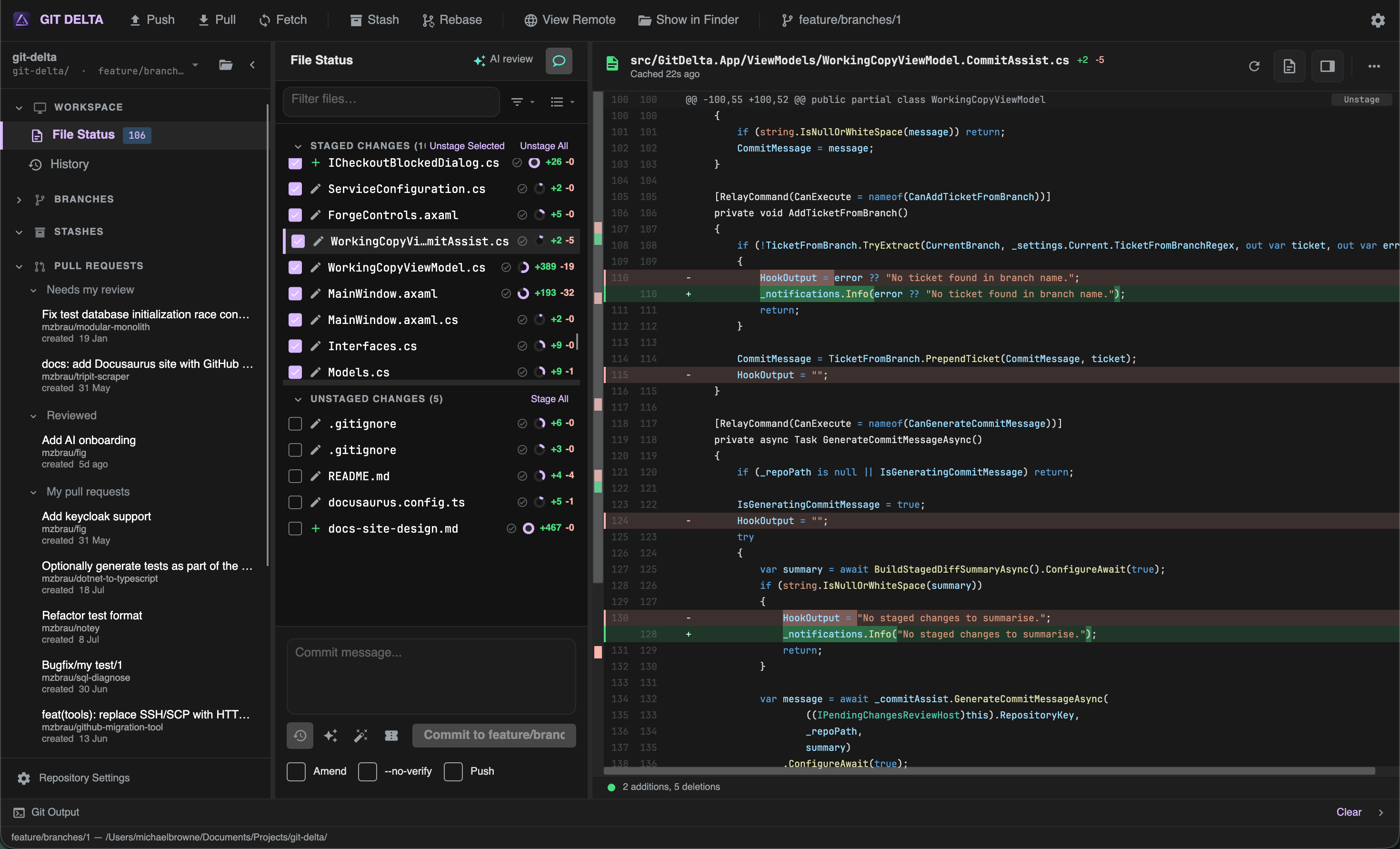
  • Unified diff
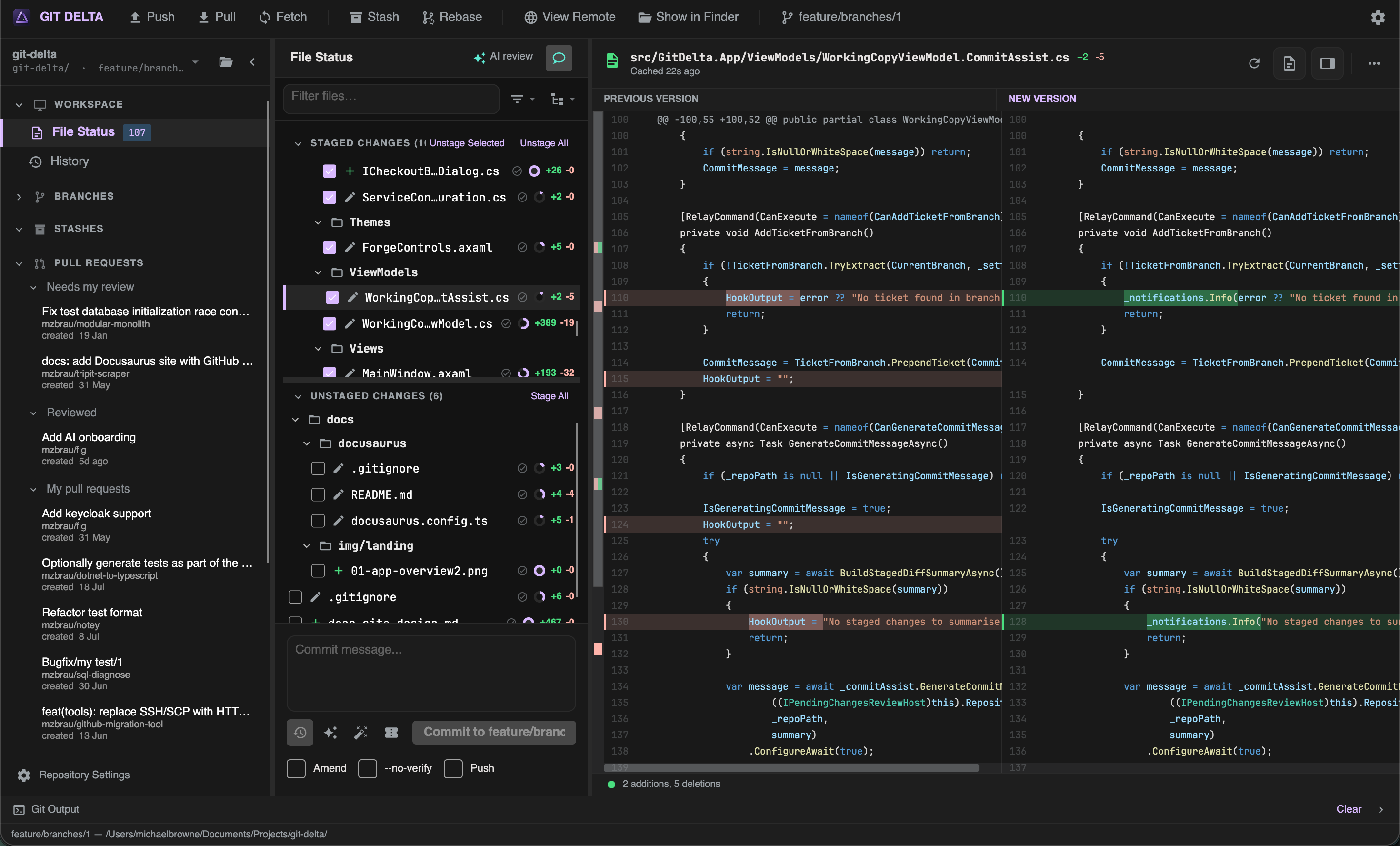
  • Side-by-side diff
  • Adjustable context lines
  • View complete files
  • Local review comments
  • Stage hunks and lines
  • Syntax highlighting
  • Markdown viewer
  • File metrics
  • File filter
  • Text search
  • Flat list or tree view

Review Pull Requests

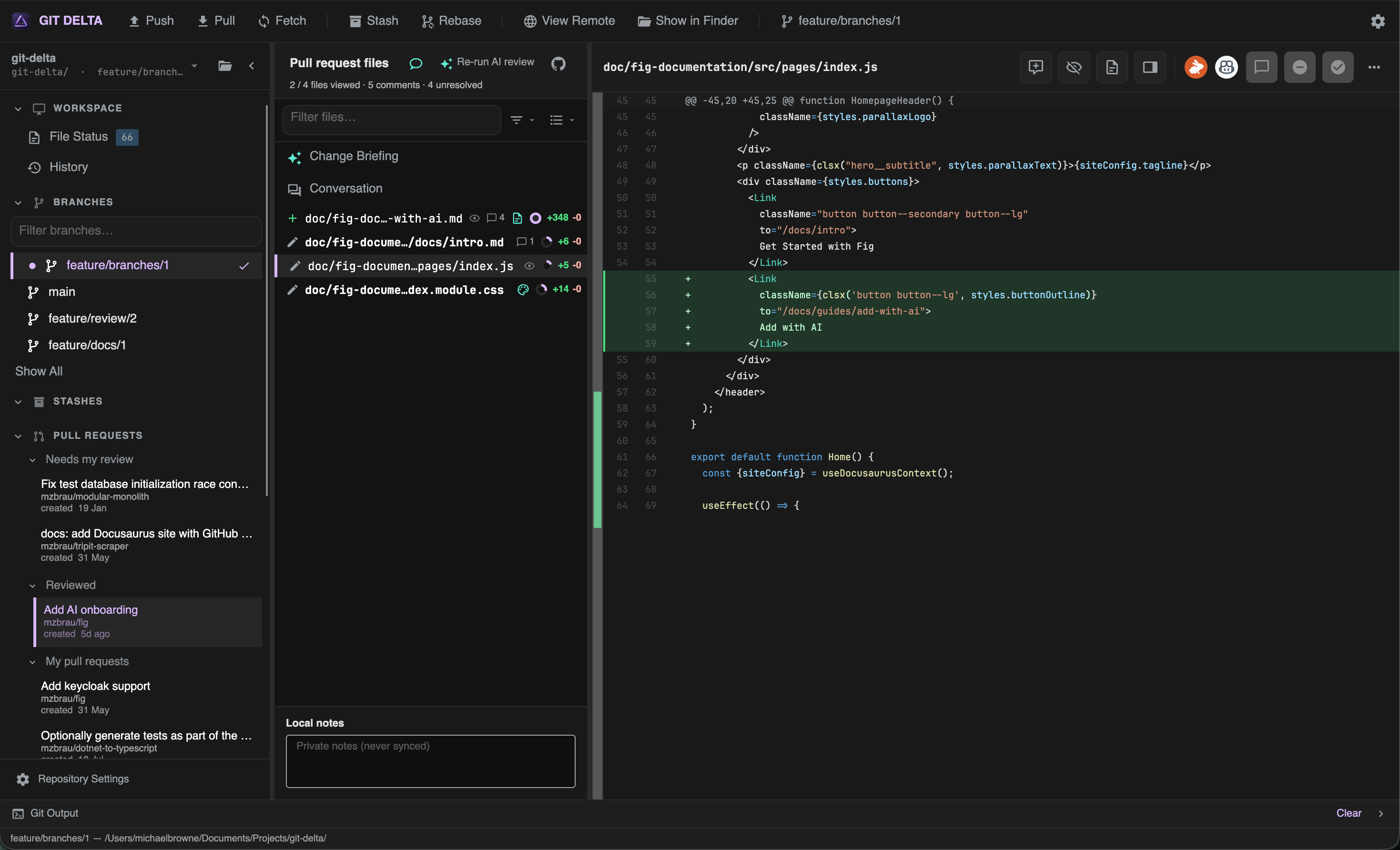
  • Browse pull requests
  • Review changed files
  • Inline review comments
  • Create new comments
  • Resolve discussions
  • GitHub integration
  • Review status
  • Local-first workflow

AI Change Briefing

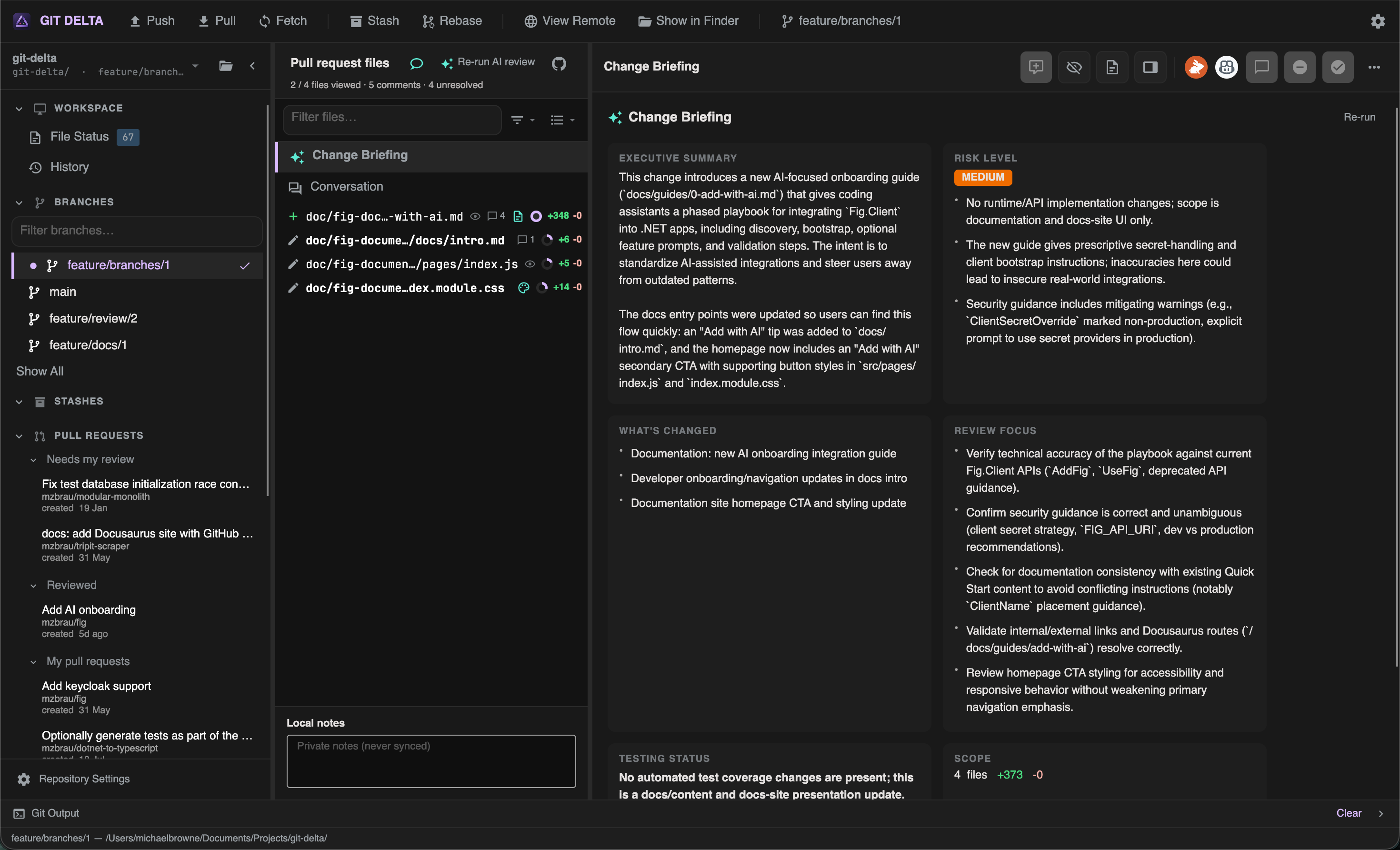
  • High-level change summary
  • Understand changes instantly
  • Highlight potential risks
  • Review guidance
  • Save review time

AI File Briefing

  • File summaries
  • Intent explanation
  • Review suggestions
  • Important areas
  • Faster comprehension

Light or dark. Same clarity.

  • Full light theme
  • Comfortable for long sessions
  • Same layout and density
  • Clear contrast
  • Easy on the eyes

Built for serious review

A focused toolkit for understanding changes — locally and on GitHub.

Apache 2.0 Licence

Open source and free to use, modify, and distribute.
Cross-platform

Native desktop experience on Windows and macOS.

GitHub Integration

Inbox, pull requests, and review workflows connected to GitHub.

AI-powered Reviews

Optional change briefings that help you understand risk and intent.

Keyboard Shortcuts

Stay in flow with shortcuts for navigation, staging, and review.

Local-first

Your working copy and review state stay on your machine.

Fast Performance

Large diffs and repos stay responsive without blocking the UI.

Privacy

AI assist is opt-in. Tokens and reviews stay under your control.

Open Source

Inspect the stack, contribute, and build trust in the tooling.

Modern UI

A calm, dense developer interface with light and dark themes.

Documentation

Dive into install guides, workflows, and reference material.

Getting started

Install on Windows or macOS, then open your first repository.

Requirements →

Guides

Working copy, diffs, history, pull requests, and AI-assisted review.

App tour →

Reference

Settings, shortcuts, performance, and troubleshooting.

Settings →